Moz Local Review (2026): Features, Costs & Is It Worth It?
Is Moz Local worth it? Review its listing management, Local Grid rankings, costs and limitations, with a practical way to measure results.

Moz Local Review: The Verdict
Moz Local is worth considering when you need to maintain business listings and measure local visibility in the same account. It is less compelling when your details rarely change, someone already manages your reviews, and you would use only a small part of the subscription.
A correction to older versions of this review: Moz Local does include rank tracking. Buying Moz Pro is not a prerequisite for using Local Grid. That changes the buying decision: compare the tools' coverage, reporting and allowances against your needs instead of assuming you must buy two subscriptions.
This is an evaluation of published product capabilities, with official documentation checked on September 10, 2026. It is not a controlled performance test or a report of measured client results. VeloRank provides web design and local SEO services; our recommendations below distinguish professional support from a software subscription.
What Is Moz Local?
Moz Local helps businesses manage their presence across directories, reviews and local search. Think of it as an ongoing operating tool: maintain business details, identify listing problems, handle supported review activity and monitor visibility.
It can suit a shop with one address or a team managing multiple locations. The decision depends on the work you need to repeat. A business that changes opening hours frequently has a different maintenance burden from one whose contact details have stayed the same for years.
How Does Moz Local Work?
The practical workflow is to establish an accurate business record, connect the relevant profiles, distribute updates, and check what each publisher accepts. You still need someone to resolve exceptions and keep the original information correct.
For example, after moving premises, make a record of your old and new addresses. Check the main profiles directly, submit corrections, then follow the outstanding issues until customers can reliably find the new location. Buying the subscription does not remove the need to verify the result.
Features: Listings, Rankings and Reviews
Moz's current plan comparison lists directory distribution, review monitoring, Data Health analytics and Local Grid in Lite. Preferred adds review responses and sentiment analysis, competitor analysis and Google/Facebook social tools. Elite extends social and reporting capabilities and includes Listings AI. Other AI features may require add-ons.
Before choosing a tier, list the actions you actually intend to perform. Monitoring new reviews and replying to them inside a platform are different requirements. Check both against the plan you are purchasing.
Listing Health Is Different From Search Visibility
Accurate contact details help customers reach the right place. A completeness or consistency report is useful for finding errors, but it cannot establish whether you rank for a particular service.
Use our Moz Local citations and scan guide for a field-by-field approach to listing checks. A good maintenance process fixes important errors rather than chasing a composite score.
Local Grid and Google Rankings
Local Grid measures keyword visibility at points across a geographic area. Its settings include devices, keywords, grid size, spacing and crawl frequency. Grid size affects credit use, so check the allowance for your intended schedule.
Moz also documents a separate Google Rankings view within Moz Local, with organic and local-pack reporting and up to ten account keywords. This is another reason the blanket claim that Moz Local cannot track rankings is incorrect.
Keep the settings consistent when comparing scans. A grid covering the immediate neighborhood will answer a different question from a wider grid covering an entire service area.
Do You Need Moz Pro Too?
Not simply to get local ranking data. Moz Local already has ranking features.
Evaluate Moz Pro separately if you need its broader website research and campaign tools. Do not assume every organic SEO workflow is included in Moz Local, or that every ranking feature requires Pro. Write down the reports, keyword coverage and research tasks you need, then compare the actual products.
Does Moz Local Work?
It can help you manage the work it is designed for. Whether that produces a worthwhile business result depends on your starting point.
If customers are calling an old number, correcting it has a practical benefit regardless of ranking movement. If the major listings are already accurate, redistributing the same information may add little. In that case, the subscription needs to earn its cost through monitoring, reporting or time saved.
Three outcomes deserve separate checks:
| Outcome | What to examine | What it does not prove |
|---|---|---|
| Cleaner listings | Correct details on the actual publisher pages | That rankings increased |
| Better visibility | Comparable ranking reports over time | That citation work caused the change |
| More business | Qualified calls, enquiries and bookings | That every lead came from the software |
Rankings can change alongside reviews, website updates, competitors and search-engine changes. A before-and-after chart is useful evidence of movement, but cannot isolate the cause.
How Long Does Moz Local Take to Work?
There is no reliable deadline for a ranking increase. Publisher updates and ranking changes are separate events.
Our suggested review schedule is to inspect listing status during the first few weeks, then review visibility and business outcomes over the following two to three months. This is a planning window, not a Moz service guarantee. Fix an incorrect address or disconnected profile as soon as you find it rather than waiting for the end of the review period.
How to Measure Whether It Helped
- Save the starting state. Record incorrect listings, duplicates and unresolved profile issues.
- Choose relevant keywords. Use services that customers can actually buy from you, not just your business name.
- Keep the scan configuration stable. Retain the same location, devices, grid and keywords for comparisons.
- Record the work performed. Include website changes, review activity and other marketing work alongside listing corrections.
- Track qualified outcomes. Use available enquiry and booking records; distinguish leads from impressions.
- Review cost and time saved. A useful operational tool can be worthwhile without a dramatic ranking jump.
Google Search Console can help you evaluate website search performance. It is not a replacement for a map-grid report showing positions across your service area.
What Does Moz Local Cost?
The published US-dollar prices, checked September 10, 2026, are $20, $30 and $40 per location per month for Lite, Preferred and Elite. Annual billing is $199, $299 and $399 respectively.
For one location, ask whether the monthly time saving justifies the cost. For several, calculate the total before comparing vendors. Include add-ons and the tracking allowance you need, not just the cheapest advertised figure.
Our Moz Local pricing guide owns the detailed plan, billing and add-on breakdown.
Strengths and Limitations to Weigh
The strongest reason to buy is a recurring maintenance need. Centralizing work can reduce missed updates and repeated logins. It is especially useful to have a named person checking exceptions after a move, rebrand or change in hours.
The main limitation is that information does not perform the work for you. A ranking report can reveal weak coverage without explaining exactly how to fix it. Someone still needs to prioritize changes and evaluate whether they helped.
Reporting fit matters more than feature counts. During evaluation, try to answer one real question with the product: which listings need attention, where visibility is weak, or whether a location improved. If the output cannot support your routine decisions, a longer feature list adds little.
This review does not establish comparative speed or accuracy. We have not run a controlled test showing Moz is faster, slower or more accurate than another provider. Assess those claims through your own trial and actual publisher checks.
Alternatives and When to Choose Them
Keep Moz Local on the shortlist when directory maintenance is central to the job. Compare alternatives when you need a different reporting workflow, budget or combination of tools.
VeloRank provides local SEO services, including Google Business Profile optimization, local content and practical guidance. If you want help with the work alongside your software, tell us about your business.
Our seven Moz Local alternatives compares other options by use case, including listings work, agency reporting and specialized grid tracking.
Common Questions
Is Moz Local Worth It for a Small Business?
It can be, if you have recurring listing, review or reporting work and will use the platform regularly. Start with a short audit of the problems you want to solve. A subscription is harder to justify when those tasks are already covered.
Is Moz Local Just a Citation Tool?
No. It combines listings work with other local-presence features, including ranking measurements. Check the chosen plan and allowances against your needs.
Can You Use Moz Local Without Moz Pro?
Yes. Moz Local is a standalone product. Local Grid and the documented Google Rankings view are part of Moz Local, so a separate Pro subscription is not automatically necessary.
What Happens If You Cancel?
Ongoing management ends. Moz's cancellation guidance says partners do not revert listings because of cancellation, while warning that later unwanted updates can affect unmanaged data. Save your records and check important profiles afterward.
The cancellation guide covers the steps and preparation in detail.
Choose Your Next Step
If your contact details are wrong across directories, start with a citation and NAP checklist. If your main uncertainty is where customers can find you, check your local search visibility and use that result to decide what needs attention.
A useful purchase starts with a defined problem and a baseline. That gives you something concrete to evaluate when the next renewal arrives.
What Happens When You Cancel Moz Local? Listings & Next Steps
How to cancel Moz Local, what happens to managed listings, and which records to save before ending the subscription.
Read the story ↗
Generative Engine Optimization (GEO) Tools for Local Businesses: 2026 Comparison
A criteria-first comparison of real GEO and AEO tools, including Profound, Otterly, Peec AI, Ahrefs Brand Radar, and Semrush, plus VeloRank's free checker, positioned honestly.
Read the story ↗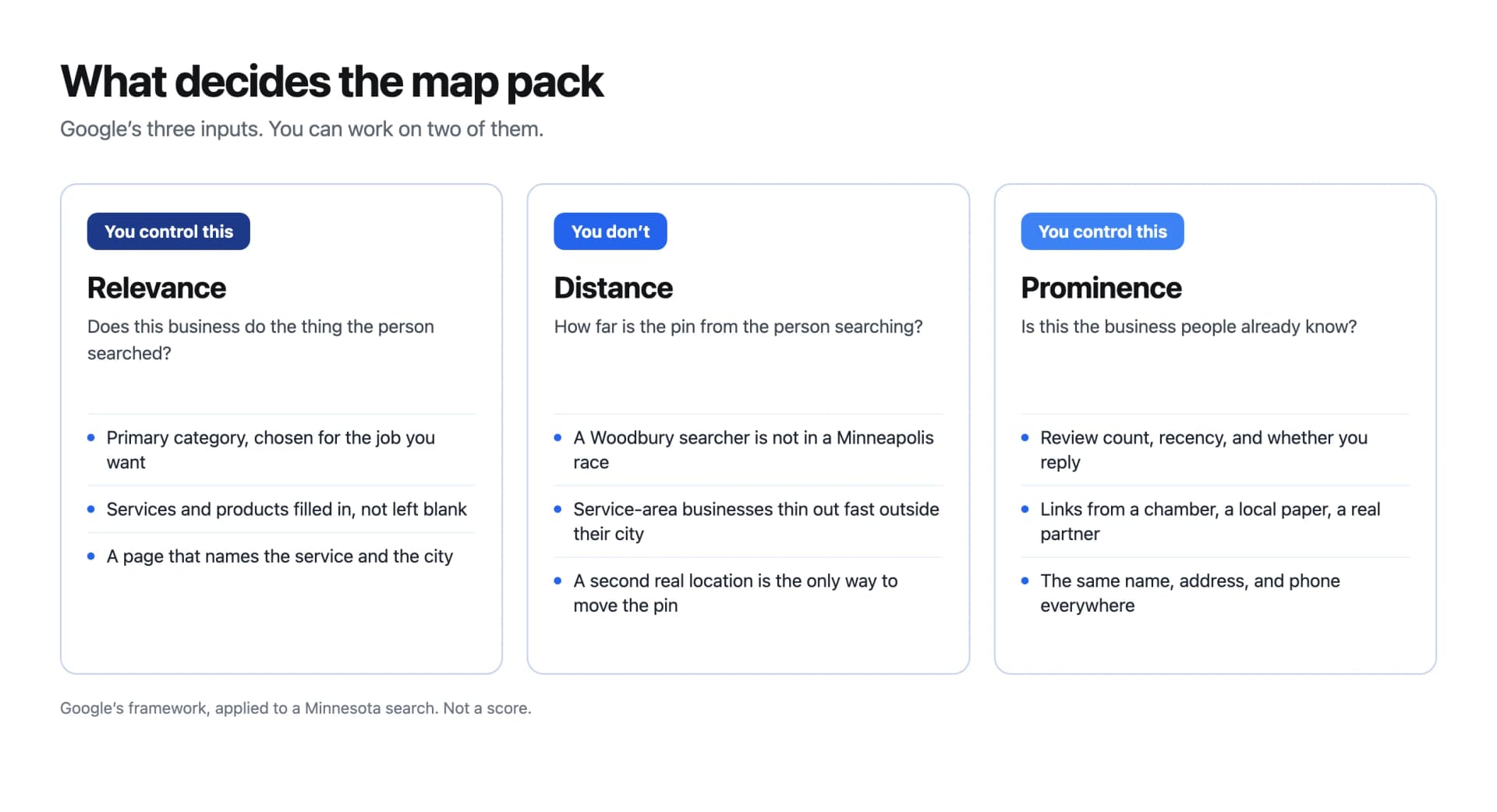
Local SEO in Minnesota: How to Rank on Google Maps
How Minnesota businesses actually get into the Google Maps pack: the three inputs Google uses, the order of work, and the mistakes that knock a listing out.
Read the story ↗A little direction goes a long way
Put these ideas to work.
Talk with our team about improving your website and local search visibility.